01
At-a-glance totals
Keep daily key presses, mouse clicks, movement, and scroll distance visible from the menu bar or tray.
See keyboard and mouse activity at a glance, then explore trends, key distributions, heatmaps, and per-app breakdowns— without recording the text you type or where you click.
Type, click, or move your pointer to try it here.
KEY PRESSES
0countCLICKS
0buttonsMOVEMENT
0cmapprox.THE APP
KeyStats lives quietly in the menu bar or system tray and turns aggregate input activity into clear, useful views.
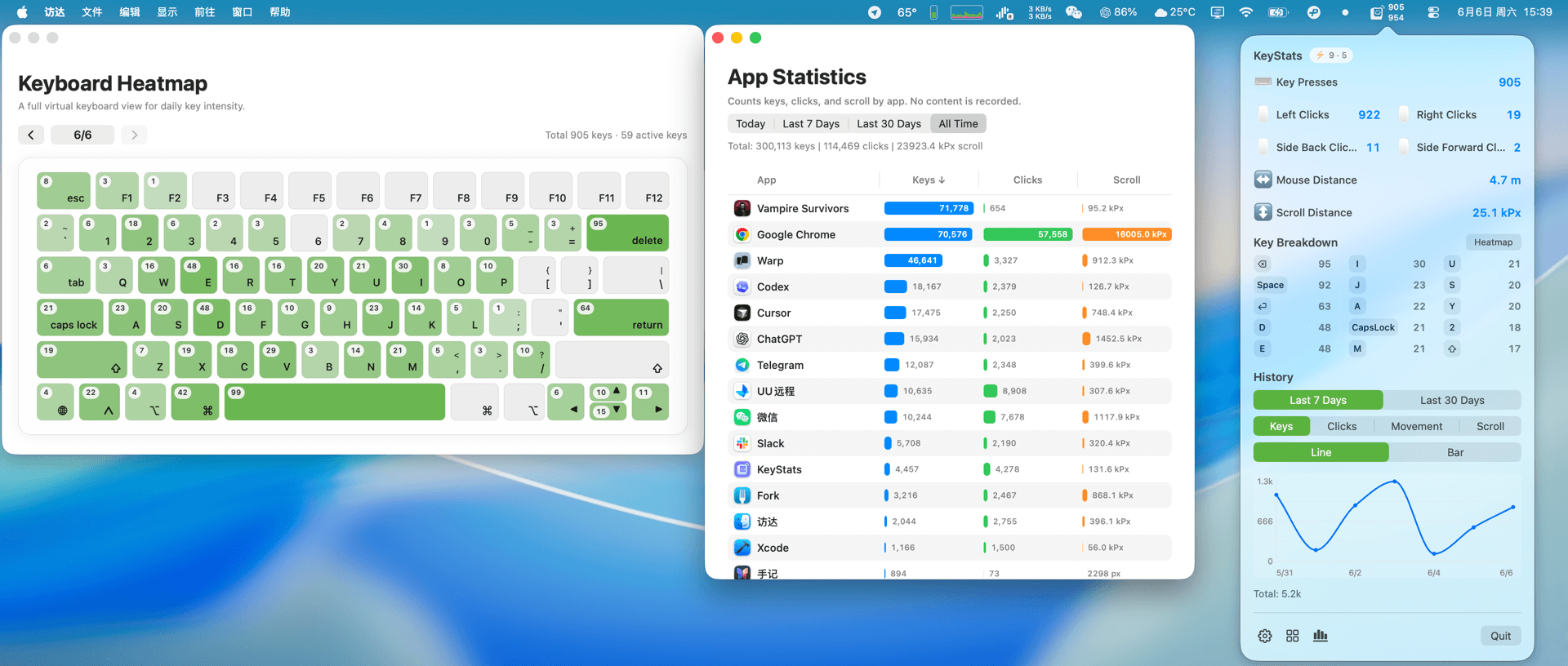
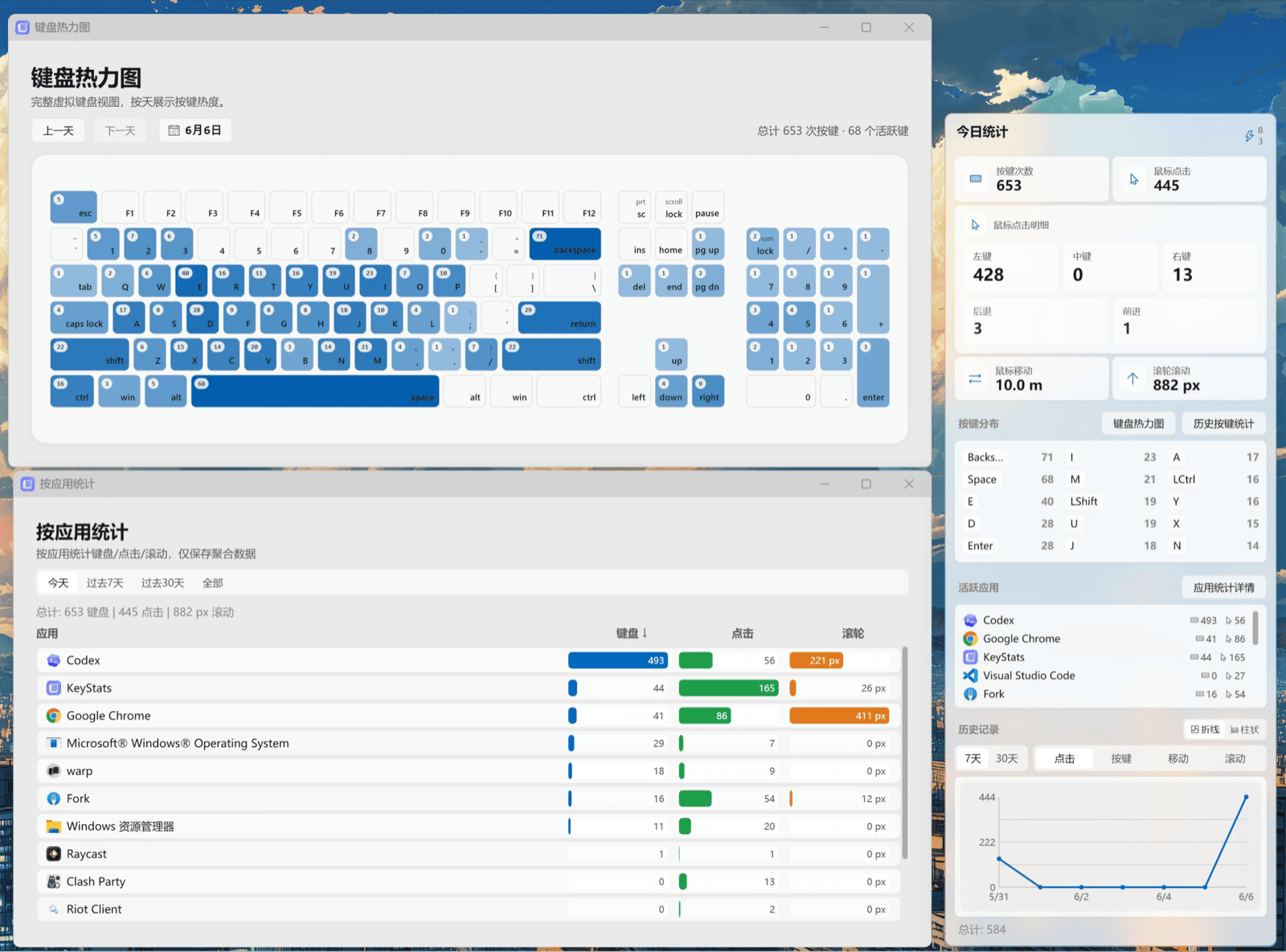
WHAT YOU CAN SEE
Built for useful aggregate statistics, not surveillance. Browse today, recent history, or the full record whenever curiosity hits.
Keep daily key presses, mouse clicks, movement, and scroll distance visible from the menu bar or tray.
Compare recent history, inspect long-term totals, and see when your input activity is highest.
Explore per-key and key-combination counts, top keys, and a keyboard heatmap across a date range.
Understand which apps account for your key presses, clicks, and scrolling while keeping only aggregate counts.
Optionally pair devices and sync supported daily key and mouse-button statistics with end-to-end encryption.
Export and import your current device’s statistics as JSON. Your history stays useful—and under your control.
YOUR ACTIVITY, NOT YOUR CONTENT
KeyStats records aggregate counts. It can show which keys or combinations were used, but never their sequence or the text they formed.
01No text or key sequencePasswords, messages, and typed content are not recorded.
02No cursor or click coordinatesMovement distance and button counts are stored without locations.
03Local storage by defaultNothing is uploaded unless you explicitly enable multi-device sync.
04Encrypted before syncSupported daily key totals, distributions, click counts, and device info are encrypted on-device.
Mouse movement, scroll distance, and per-app statistics are not currently synced. The sync service cannot read encrypted statistics.
INSTALL
Choose your platform, grant the required system permission, and KeyStats starts building your local history.
Requires macOS 13 Ventura or later.
$ brew tap debugtheworldbot/keystats
$ brew install keystats