Track every keystroke.
Visualize your workflow.
A lightweight menu bar app that tracks your keyboard strokes, mouse clicks, movement distance, and scroll activity. For macOS and Windows.
Try typing and moving your mouse!
KEYSTROKES
0
CLICKS
0
DISTANCE
0cm
Beautiful in your menu bar
Minimalist design that blends seamlessly with your system while keeping important stats visible.
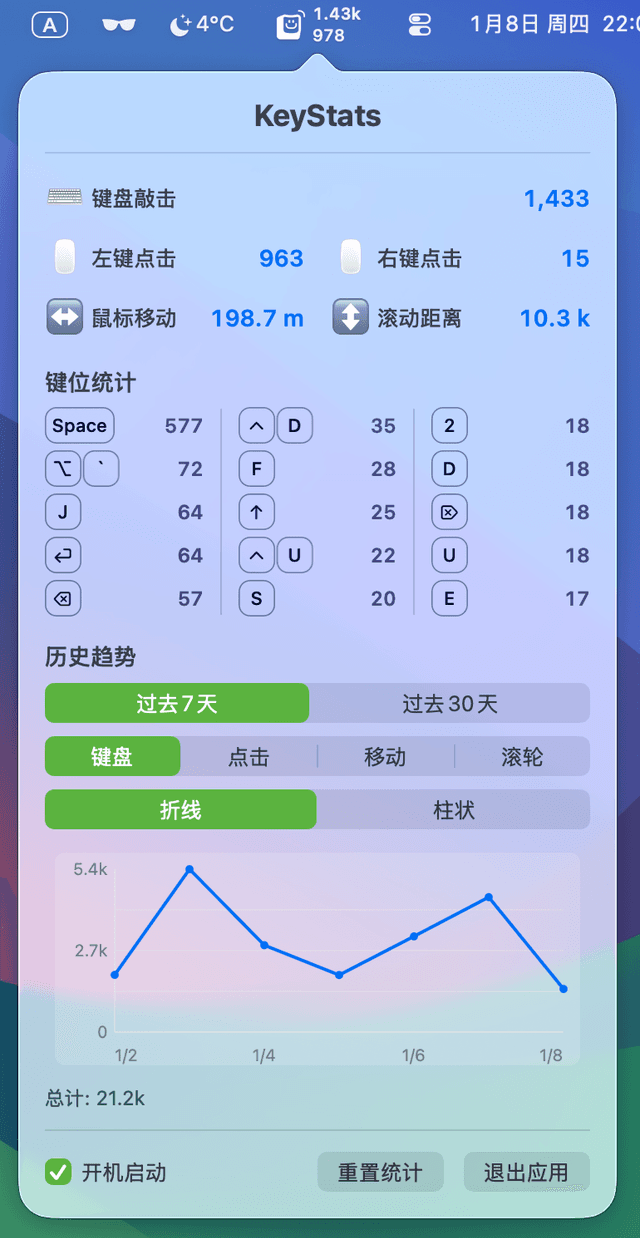
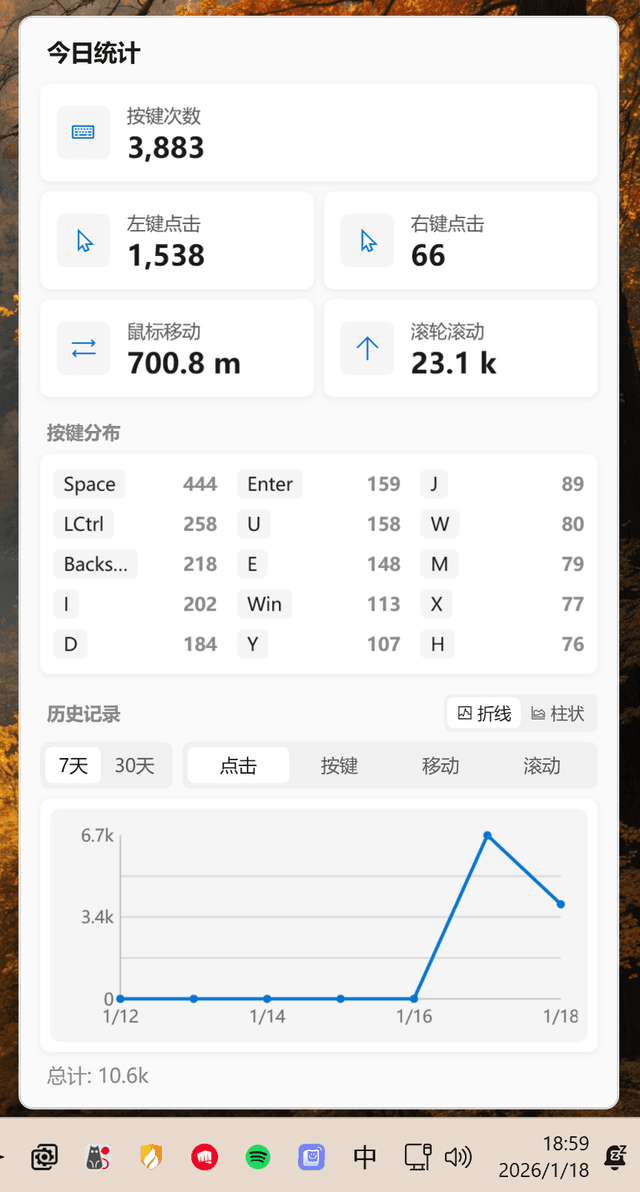
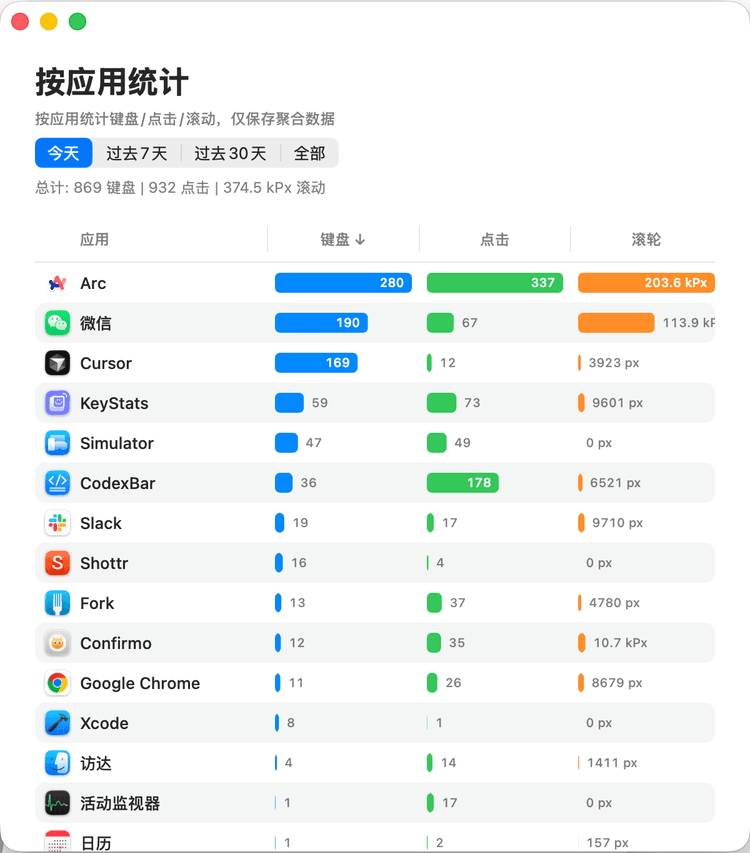
Everything you need to understand your usage
Comprehensive tracking with zero impact on your privacy or system performance.
Keystroke Tracking
Real-time counting of every key press. See your daily typing volume at a glance in the menu bar.
Click Statistics
Separate tracking for left and right clicks. Understand your mouse button usage patterns.
Movement Distance
Track how far your mouse cursor travels each day. You might be surprised by the results.
Scroll Tracking
Monitor your page scrolling activity. See cumulative scroll distance in an easy-to-read format.
Daily Auto-Reset
Statistics automatically reset at midnight, giving you fresh daily insights every morning.
Persistent Data
Your stats survive app restarts. Pick up right where you left off, even after a reboot.
# Privacy by Design
✓Counts only - We track the number of keystrokes, not what keys you press.
✓No text logging - Your passwords, messages, and sensitive data are never recorded.
✓Local storage only - All data stays on your machine. No servers, no cloud, no telemetry.
✓Open source - Audit the code yourself. MIT licensed.
Get started in seconds
Choose your platform and start tracking your productivity today.
Option 1: Install via Homebrew (Recommended)
$ brew tap debugtheworldbot/keystats
$ brew install keystats
Option 2: Download from GitHub
Download .dmgRequires macOS 13.0 (Ventura) or later